
Loading this page
The content will appear as soon as it is ready.
Loading this page
The content will appear as soon as it is ready.

Hanjeok Agent
The guide that Hanjeok’s place and course screens call on. This site lets you try it on its own.

Its job is to bring out, in answer to one question, the congestion forecasts and recommendations Hanjeok already has. It does not pick places or score them.

Ask “is it crowded here on Saturday?” from a place or course screen and it takes that screen’s place and day. Name another place or day in the question and it follows the question.
Places and their links come from public tourism data Hanjeok exports. Forecasts and alternatives are fetched at question time from Hanjeok’s read-only APIs. It never connects to Hanjeok’s database.
Places to go instead arrive in the order Hanjeok gave them. The model only chooses which of seven fixed lookups to call and writes the answer. It does not choose places or reorder them.
It is not yet wired into the Hanjeok app’s screens, so this site runs it as a separate demo. An MCP entry point is open so Hanjeok’s backend can call the same guide.
How the Hanjeok agent works
An educational simulation, not a live request or server status. The leaf carries the question out and brings back what it found on a card.
1. Send the question
The screen sends the question with the place and day it shows. Before any model is called, rules read the place, the date and whether the question can be answered. An unclear place is asked back here; an unsupported request stops here.
Next.js runs on Vercel. FastAPI, LangGraph, Neo4j, the embedding model and wiki run in Cloud Run. NVIDIA NIM and the Hanjeok API are external services.
Verified Hanjeok exports populate place data at build time; wiki policies use keyword lookup. There is no direct connection to the Hanjeok database. Forecasts and alternatives use read-only APIs at request time.
The server budget is 60 seconds: up to three lookups, one answer and one repair. The agent does not book, take payments or invent unavailable information.
Seven lookups: search, place detail, related places, congestion, alternatives, events and policies. Model: nvidia/nemotron-3-super-120b-a12b.
Logos are trademarks of their owners, used unaltered from simple-icons (CC0). The leaf pictures were made with Codex image generation.
Could not load the evaluation report. Check the evaluation page instead. Read the evaluation →
Course screens made in Hanjeok. Below each course you can ask about it, such as “why this order?”.
Saved examples for September 12, 2026. Grades are historical values, not current forecasts.
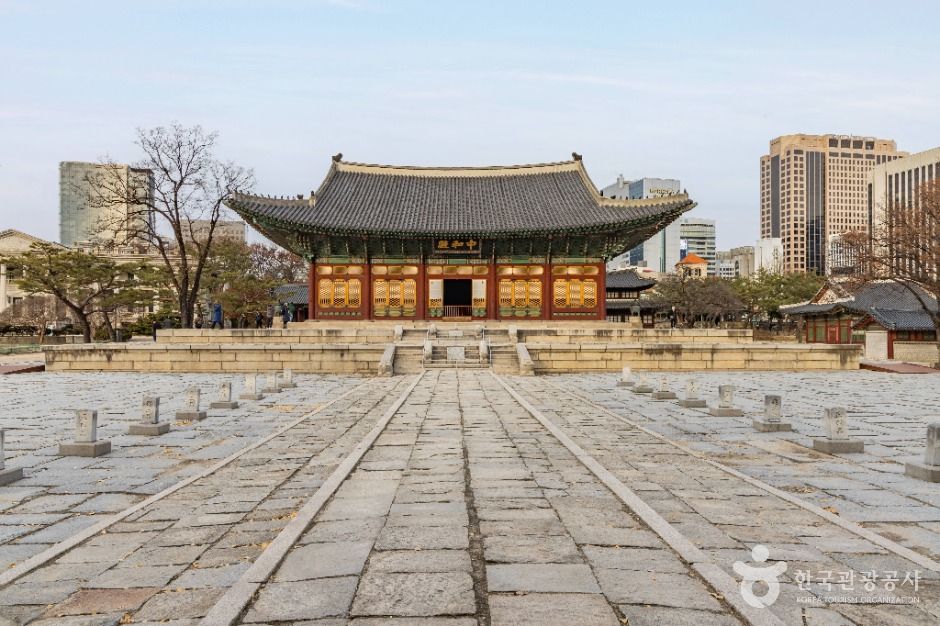
Example course · Seoul · 3 stops
Start at Deoksugung, then visit Ewha Centennial Memorial Hall and Seodaemun Prison History Hall.
덕수궁 → 이화여고100주년기념관 → 서대문형무소역사관
View course
Example course · Seoul · 3 stops
Connect Gyeongbokgung, Changdeokgung and Bukchon. All three had very crowded grades when saved.
경복궁 → 창덕궁과 후원 [유네스코 세계유산] → 북촌한옥마을
View course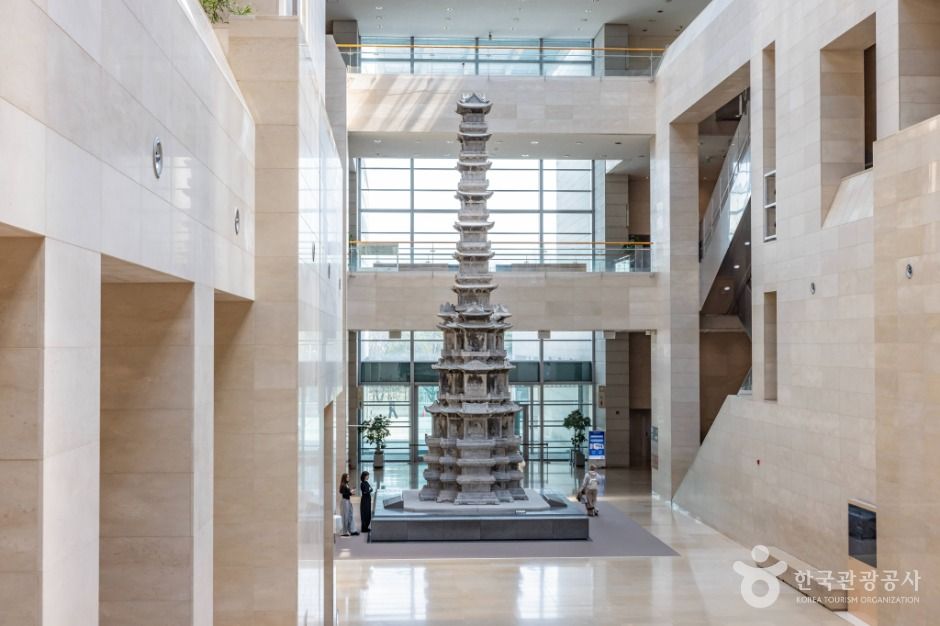
These records describe the original saved-course explainer, rather than the scope or performance of the question agent above.
Where to go and when is decided by the hanjeok backend. All the model does is put that result into sentences, and the only documents it may cite live in a bundle fixed ahead of time.
Cite a document that is not in the bundle and the whole explanation is thrown away. It is not edited down to the parts that were fine.
The list above is one example per kind. The server gives demo uuids no special treatment, so any course that exists in hanjeok will open.
Example course · Seoul · 3 stops
From the National Museum to Ichon Hangang Park, with a historical suggestion for another visit date.
국립중앙박물관 → 이촌한강공원 → 서대문형무소역사관
View courseThe explanation under each course is written by the course explainer built earlier. It cites only a fixed set of documents, and when it cannot produce an explanation it leaves a gap rather than an apology.
Course data, citations and the explanation itself are generated in Korean — only this interface is translated.
Place information and photos: © Korea Tourism Organization, TourAPI